Virtual Library — A LV3 Governance Product
For organisations whose data is scattered across systems, who must keep sensitive exchange tightly controlled, and who also want a flexible, structured way to manage their everyday records — all in one place.

 First, let us clear up a misread
The name suggests one thing. The product is something different. We get this out of the way before any sales pitch.
Virtual Library is not a way to scan paper books, run an e-book platform, or put a public library online. That is a different category of product entirely.

Maria reads — but the books on these shelves are your data, not someone else's stories.
It registers your own files, databases, and structured tables as "books" on a controlled catalog, and lets the people who need them check them out for a defined period — with a full audit trail behind every loan.
Sound familiar?

Our company / hospital / school runs on a dozen different systems and a hundred different users. Data is scattered everywhere. Some of it is sensitive — so we want exchange to be strict, traceable, time-bound. And on top of that, we'd really like a flexible place to manage our day-to-day structured records too. Is there really a service that handles all of that in one place? — A real ops lead, paraphrased.
Files in shared folders. Tables in old databases. Sheets on people's laptops. No one place that knows what exists.
Some of the data is regulated, personal, or strategic. Exchange has to be controlled, period-bound, and after-the-fact auditable.
The everyday records that today live in random spreadsheets deserve a flexible, structured home — without enterprise-DBMS overhead.
Virtual Library answers all three in one place.
Three frustrations. One answer.
Three distinct capabilities, delivered in one product, so you don't have to wire together a fleet of separate tools.
Files, slices of existing databases, and new structured tables are all registered as "books" in a controlled catalog. Borrowers see a streamed view; the originals never leave the library.
Who can browse what, who can borrow what, and who decides — all governed by named roles and per-shelf permissions. Every action is recorded for review later.
For the everyday records that don't yet live in a system, Virtual Library offers a flexible structured-table layer — a spreadsheet with relationships, types, attachments, and multiple ways to view the same rows.
The library metaphor — how it works
Lending and borrowing are concepts everyone already understands. The whole product surface uses that language — no new vocabulary to learn.

The Guest opens the catalog
Pick a book, ask to borrow
Librarian approves with terms
Time-bound view-only access
Loan expires, access ends
Guest's mobile · 3 scenes
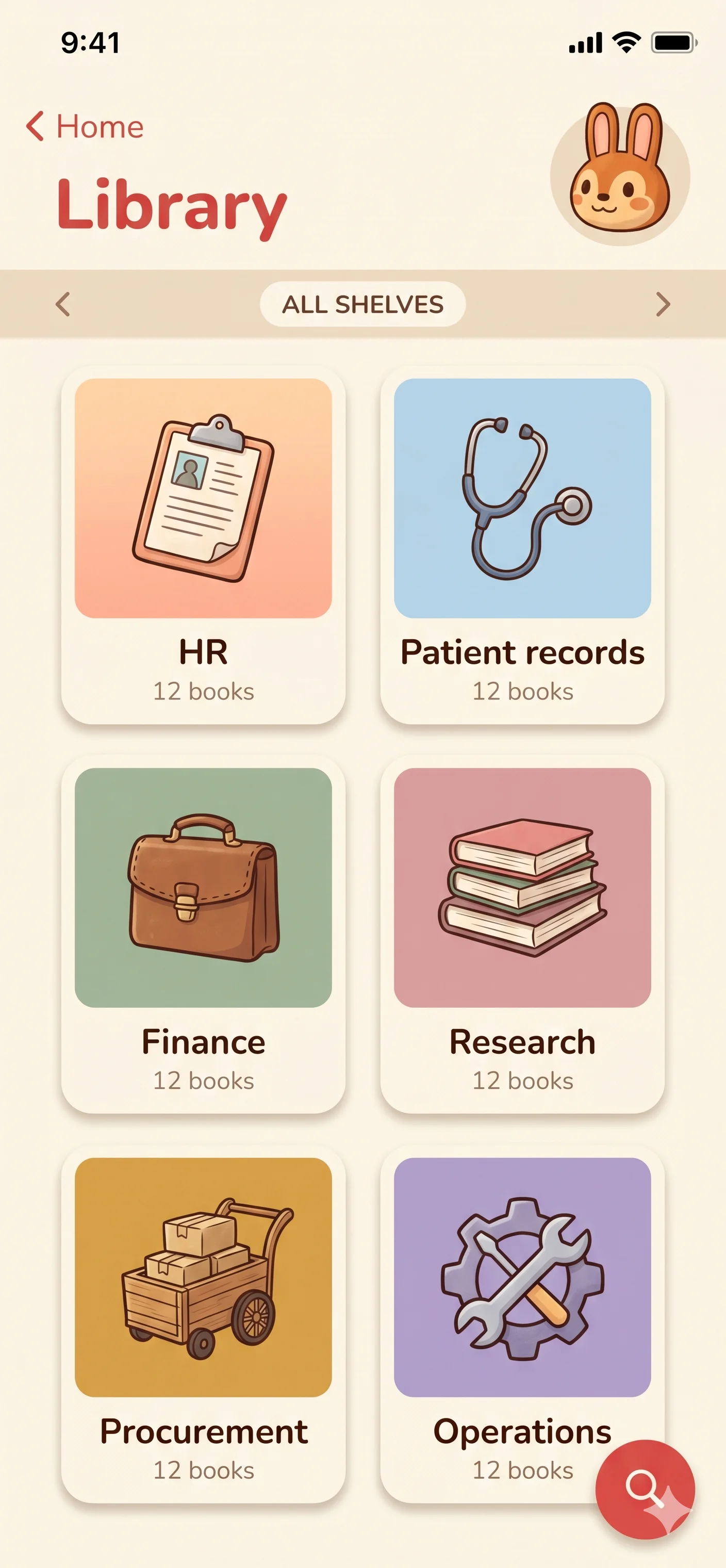
① Pick a shelf The Guest sees only the shelves they've been granted.
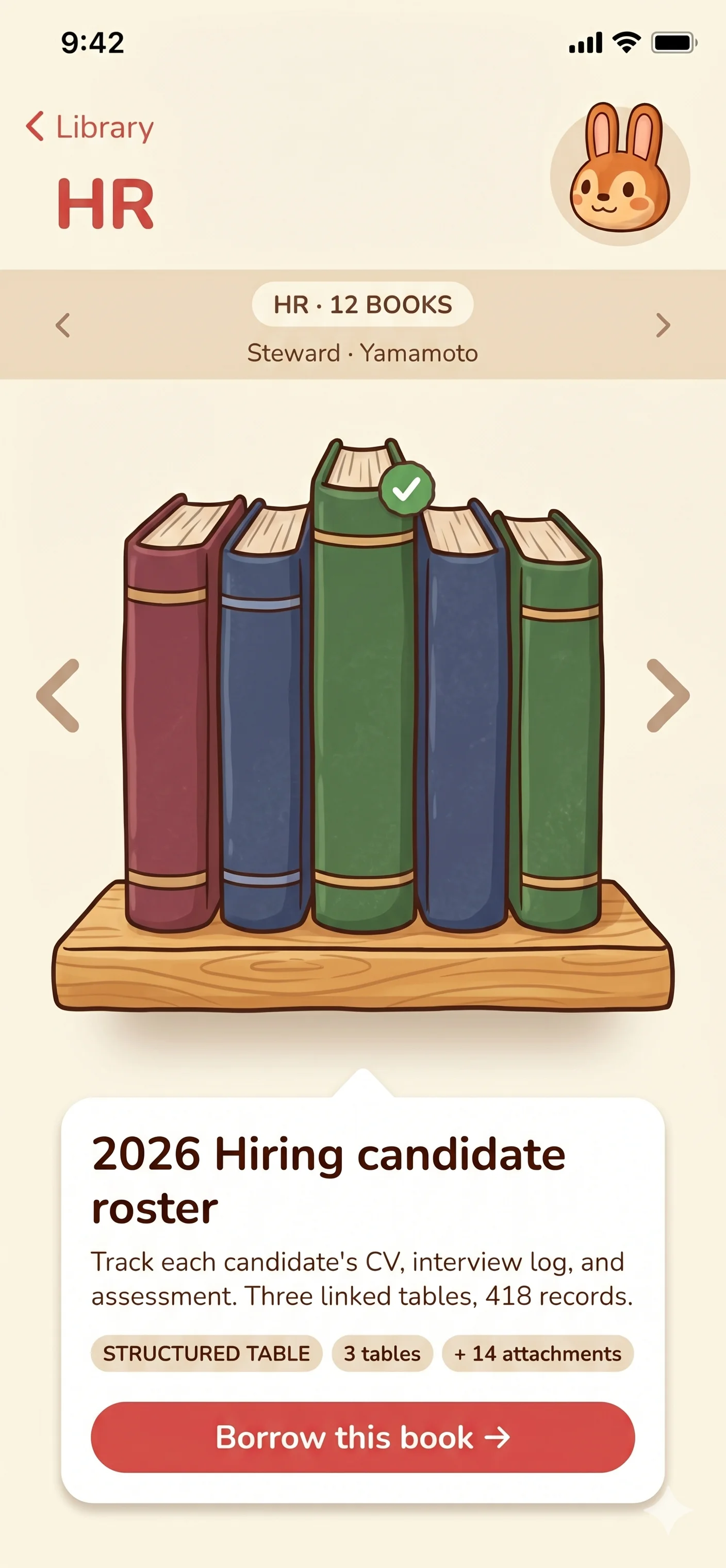
② Pick a book, request to borrow The detail card shows what's inside before any approval.
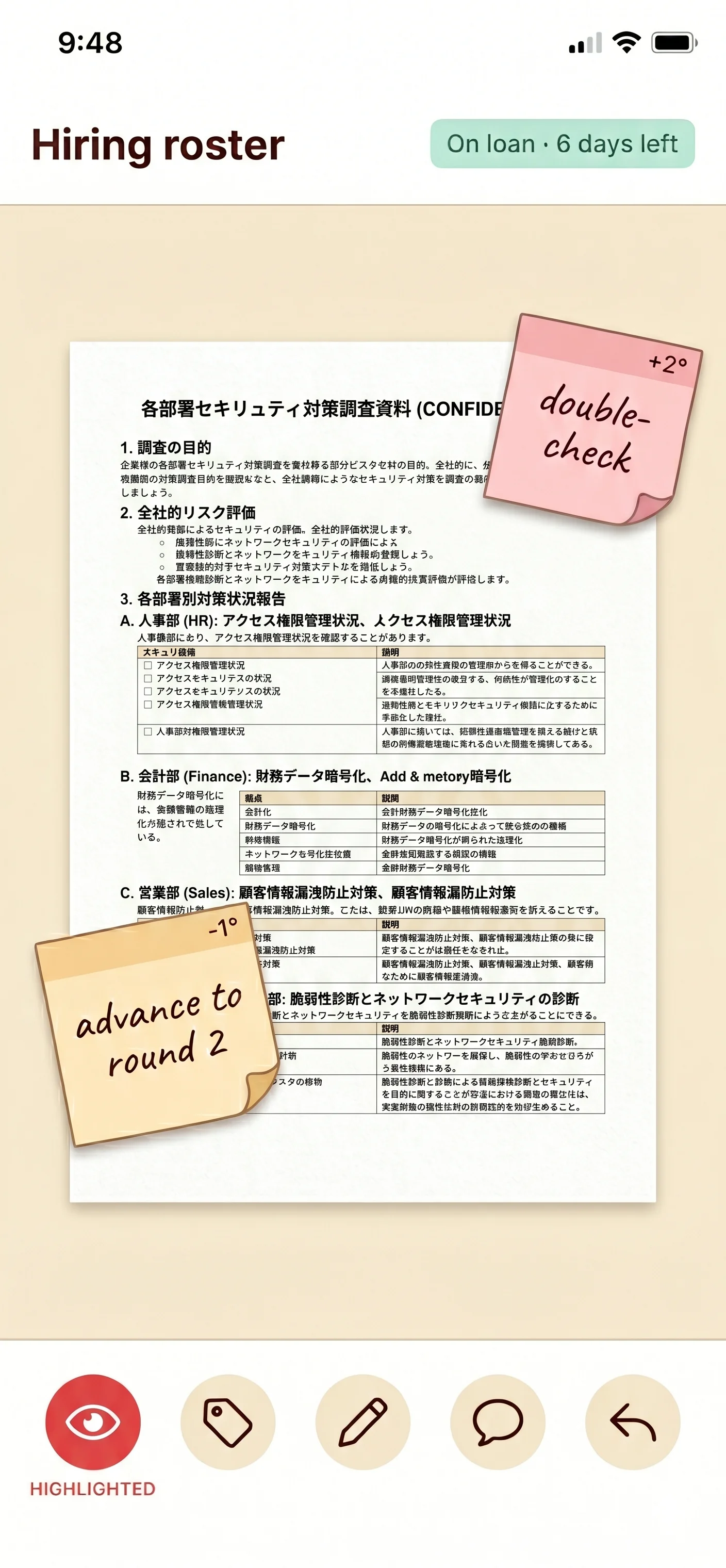
③ Read on loan, leave only your notes View-only stream. The book stays on board; tags and notes you save are yours.
The three kinds of "book"
A book is exactly one shape — never two. Keeping them separate keeps the loan rules simple, the audit clean, and the Guest's mental model clear.

A folder of files, registered as one borrowable unit.
Drop in PDFs, slides, spreadsheets, Word docs, images, video, audio, or anything else. One file, or hundreds — mixed types are fine. Borrowers can stream the contents, mark up pages with annotations, and add tags, but the originals never leave the library.

A defined slice of a database you already run elsewhere.
Point the library at an existing database and pick what to expose — the whole database, particular schemas, particular tables, or particular records. Borrowers see the slice as a read-only stream; nothing flows back into your source system.

A spreadsheet that knows about types, links, attachments, and views — created right inside the library.
For records that don't already live in a system. Each book holds one or more tables; tables can be wired together so a row in one references a row in another. Each cell can hold text, a number, a date, a checkbox, a dropdown, a link to another row — or a file attachment. The same rows can be viewed as a grid, a board, a calendar, a gallery, a gantt chart, or a public-facing form.
Where the books come from
Your files, databases, and spreadsheets can all be shown through Virtual Library. The real data stays exactly where it already lives — Virtual Library only lets people look at it, like borrowing a book from a library and reading it there.
Move your cursor across the map — hover a source to watch its stream flow into the library. The data itself never crosses over to the reader; only a view does.
The governance model
Roles are not assigned once and forgotten — they're set per shelf. The same person can be a Book Owner on one shelf and just a Guest on another. Federation extends that across organisations.

Server-wide authority
Creates and edits shelves. Appoints librarians. Has implicit Book Owner authority on every book in the library. The first Director is whoever sets up the library.
Per-book authority
The data owner of a specific book. Sets share defaults, approves or rejects loan requests, retires the book when it's no longer needed. Multiple owners can share one book.
Per-shelf authority
Cares for a whole shelf or a set of shelves. Categorises new books, reviews audit trails, manages who can see the shelf. Doesn't override Book Owners on individual books.
Per-shelf granted access
Can browse the catalog and request to borrow specific books on the shelves they've been granted access to. No edit rights on the catalog itself.
While a loan is active, the Guest is also called a Borrower — a transient role that ends when the loan ends.
Steward · Yamamoto Owners across these books · 4 people
Quiet AI assistance
None of them replace human judgement. All can be turned on or off — and the engine running each can be local or external, configurable per deployment.
AI · 01
A short abstract on every book card. Catalogues stay readable as they grow. Re-generated when a book's content changes.
AI · 02
Specialist terms are extracted from new books and proposed to the shelf's auto-glossary. The Steward approves, edits, or rejects each suggestion.
AI · 03
If a book has no cover image, four content-derived variants are offered. Same content always produces the same image.
AI · 04
Text is pulled from scanned PDFs and images; transcripts are generated for video and audio files. Both feed the search index and the summary.
AI · 05
One keyboard shortcut opens a single bar that searches everything, runs actions, and answers natural-language questions in the librarian's scope.
AI · 06
When a loan ends, the Borrower can leave a one-line takeaway as a tag — what they found, what they were looking for. Useful for future Guests.
Local or external — your choice, per feature. Each AI feature can be configured to run on a model hosted entirely inside your own deployment, or to call an external API. Sensitive shelves can stay local; lower-stakes shelves can opt in to an external provider for cost or quality reasons.
How you run it
Choose what fits your IT posture. Either way, the library is never exposed to the public internet — all traffic is contained inside your private network or a network LV3 manages on your behalf.
LV3 runs the library for you. You bring the data and the policies; we handle deployment, updates, and operational care.
You run the library on infrastructure you own — on-premises, in your cloud account, or on a private appliance. LV3 supports the install and the upgrade path.
Reachable only over a defined internal network — VLAN, VPN, or equivalent. No public-internet exposure.
Multiple libraries — across departments, sites, or partner organisations — can be linked while keeping ownership separate.
Every request, approval, view, and return is recorded — in both deployment models, for the full life of the library.
Where it fits
The "scattered + sensitive + structure-needed" pattern shows up in similar shapes across very different organisations.
Multi-department · regulated
Departments handle patient-related data under different rules. The library lets each department lend exactly the slice another department needs — for as long as they need it.
Faculty & partners
Faculty, administration, counsellors, and external partners (boards of education, research peers) all need different parts of student and research data — sometimes briefly, never permanently.
Multi-site · multi-vendor
Files and database slices flow between departments, branches, suppliers, and customers. The library scopes loans by sensitivity — duration, exclusivity, audience.
LV3 handles the shape of the deployment, the role and shelf design, the federation strategy, and the rollout plan. We don't license shelf-ware — we deliver a working library.




 Virtual Library