


Runs on an encrypted private network
Sessions connect devices over an encrypted private network. Screen frames and strokes reach only the participants in that session.

SynQ Pad · a tool from LV3
A real-time collaborative drawing & annotation overlay for shared screens and cameras.
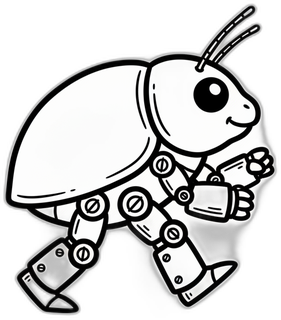
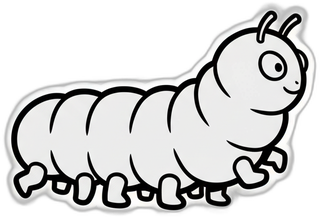
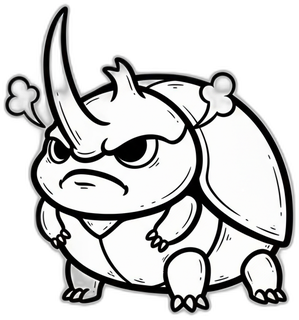
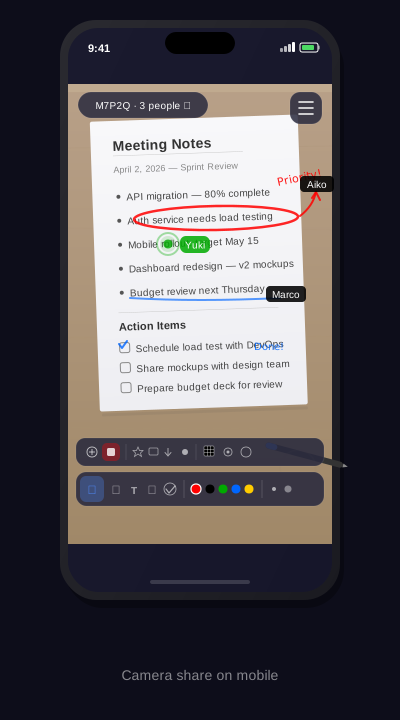
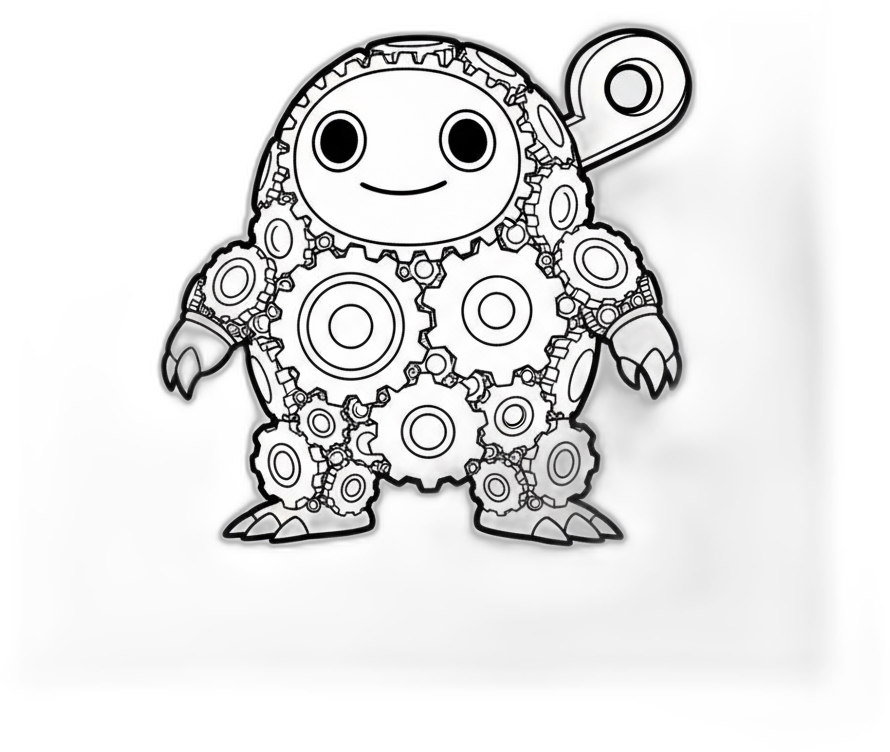
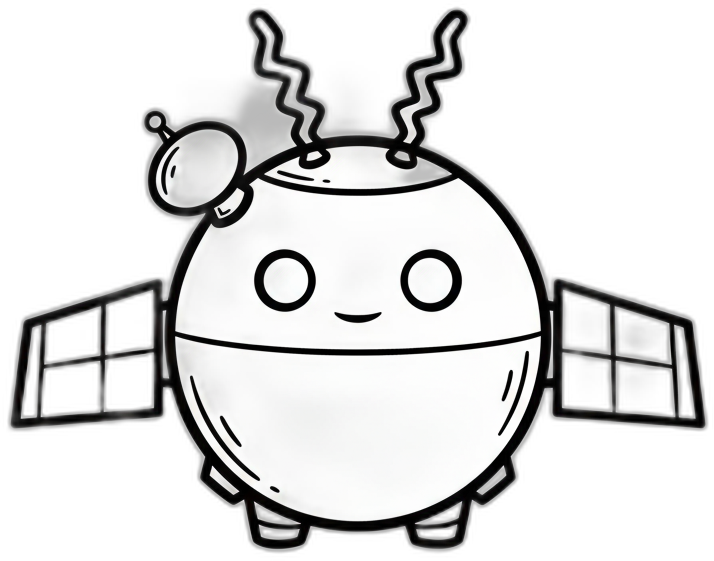
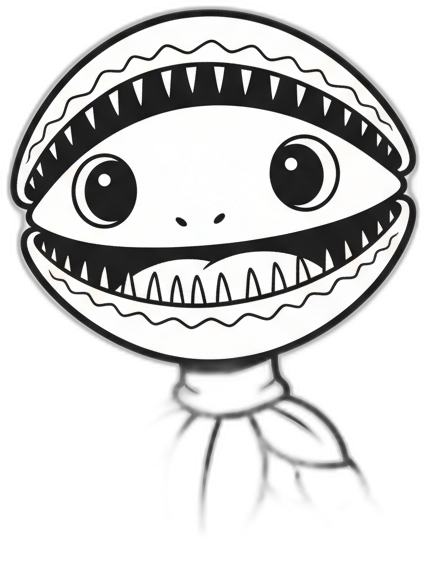
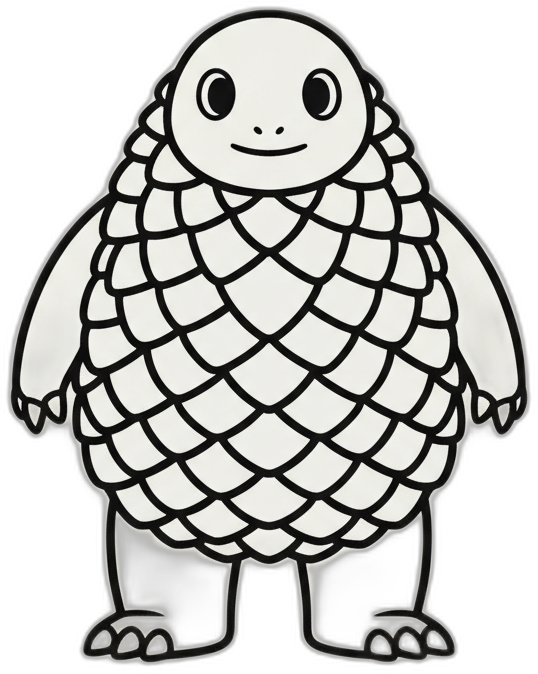
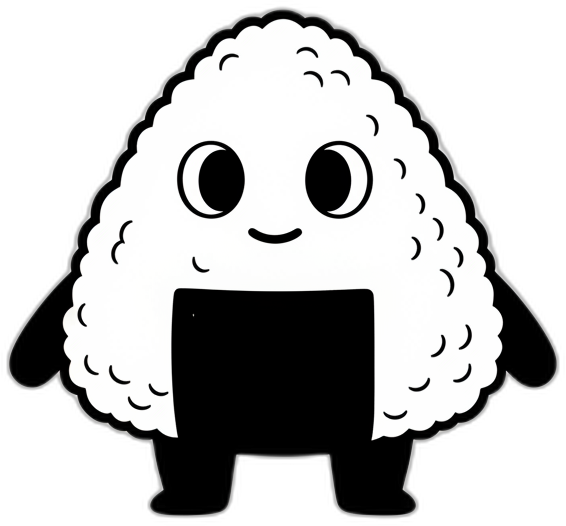
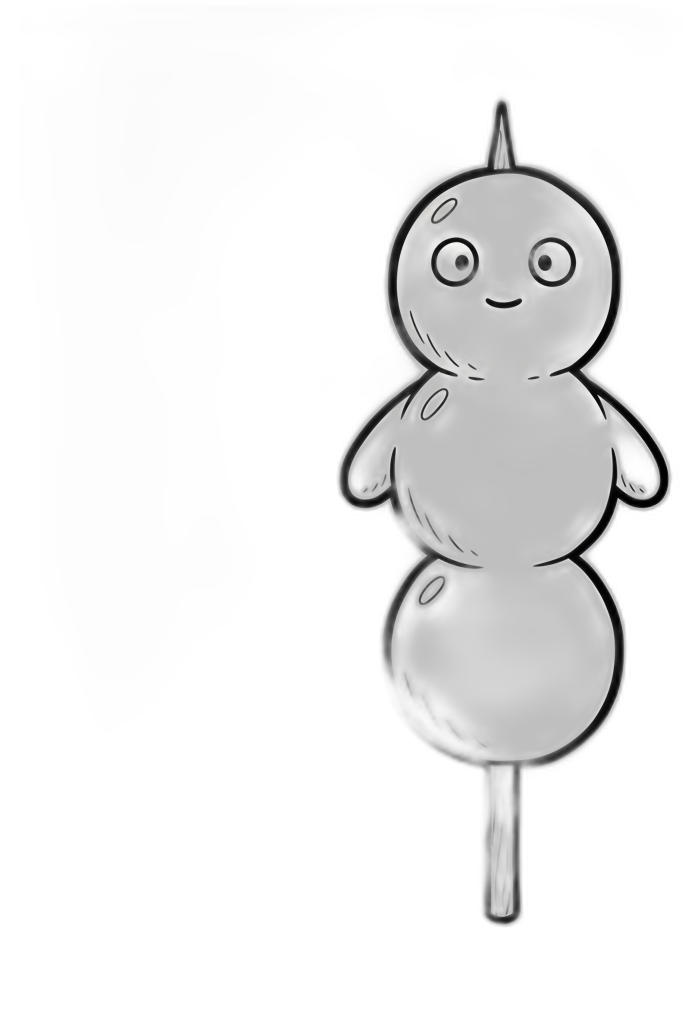
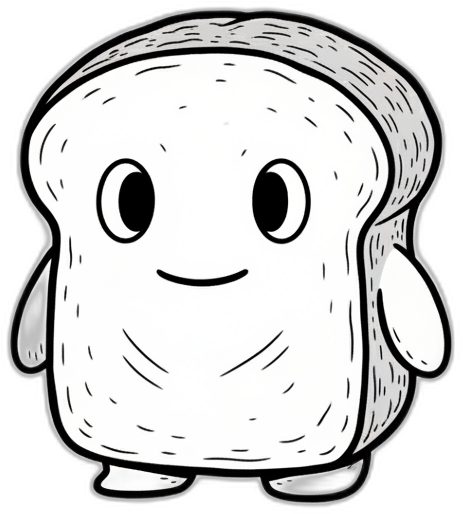
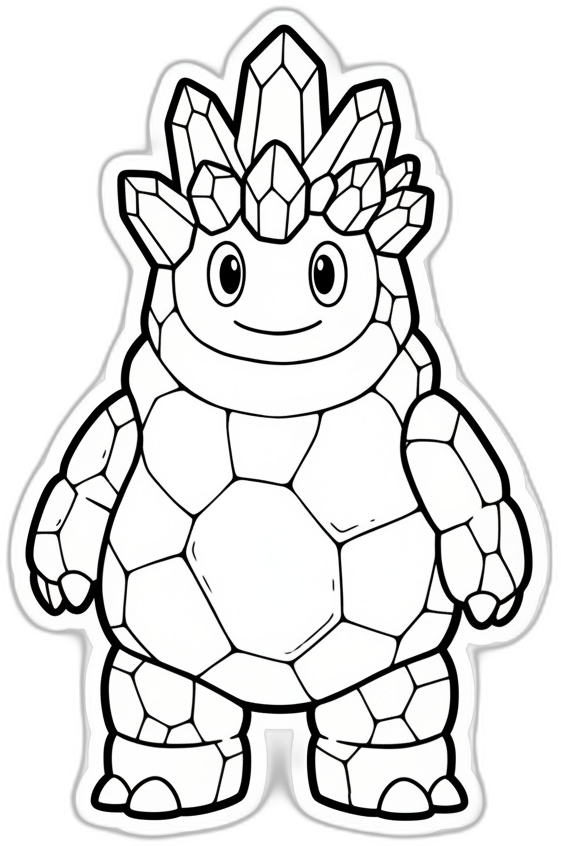
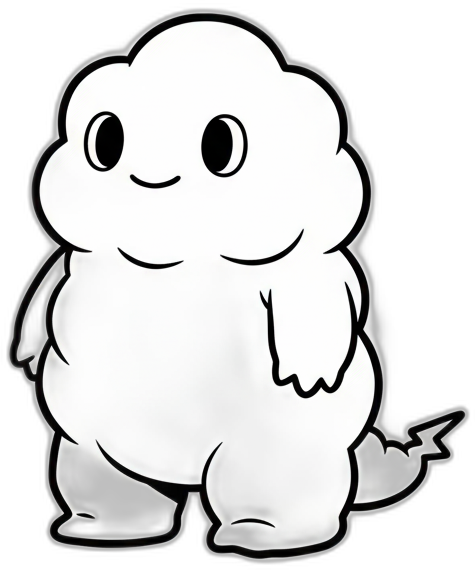
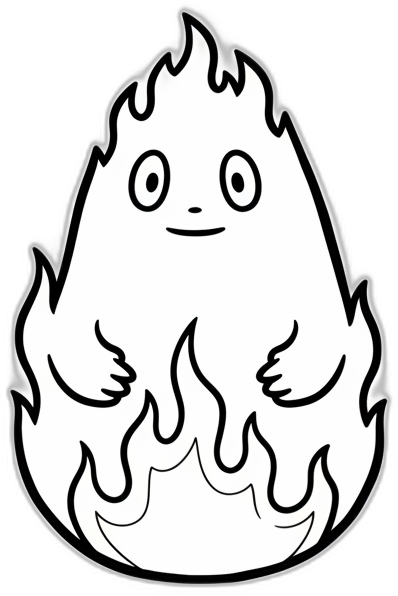
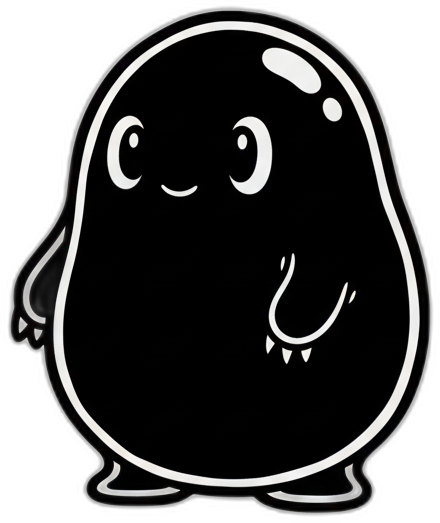
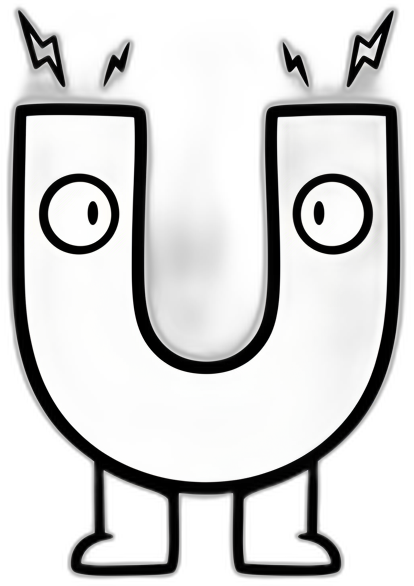
Everyone shares screens and cameras and draws on the same live view at once. So you can always tell who's doing what, each person shows up as their own kaiju — a live cursor tagged with their name and kaiju badge on the shared canvas.
What it is
Any participant shares unlimited screens and cameras — each share becomes a layer. Everyone can switch layers and annotate: pen, text, laser pointer, stamps. Strokes sync instantly across every device. Your call stays in Teams or Zoom; SynQ Pad handles the sharing and the drawing.
Why a kaiju?
On a shared live canvas, the hard part is telling people apart when several point and draw at once. That's the whole reason for the kaiju: your live cursor is tagged with your name and a little kaiju badge, so you can see at a glance who is pointing, who is drawing, and who just reacted — no anonymous arrows, no guessing. Tap a reaction and your kaiju pulls the face.





What's inside
Nine tools that make a shared screen genuinely workable. Pick one.
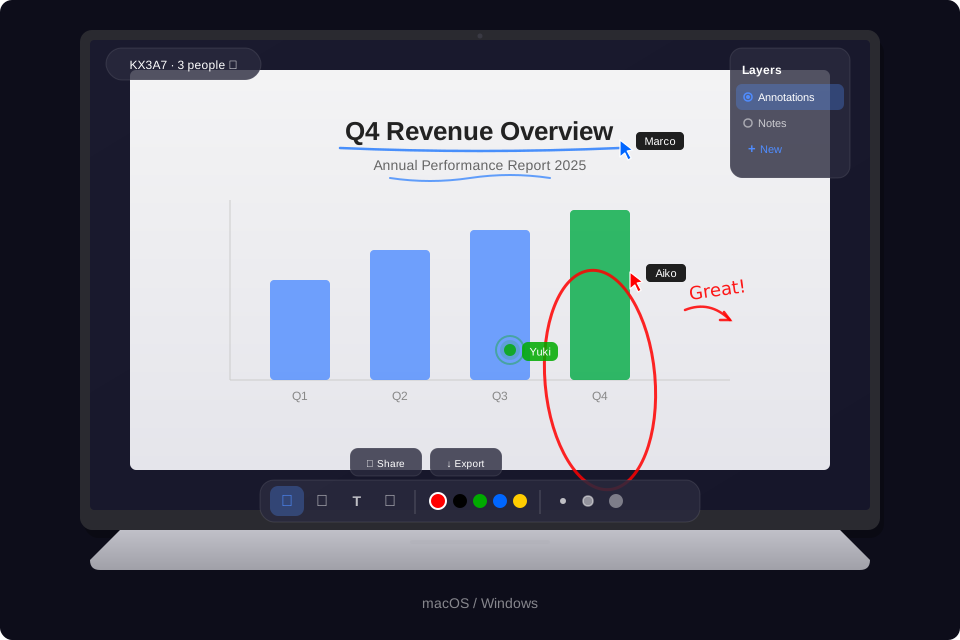
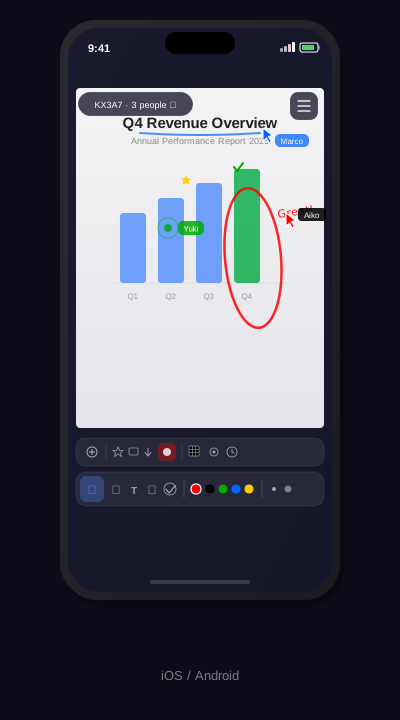
Anyone can share several app windows and cameras at the same time — a slide deck, a spreadsheet, a browser, a document camera. Each share becomes its own layer that everyone can annotate.
See exactly where every participant is pointing in real time. Each cursor carries a name label and a small kaiju badge, Figma-style — designed for rooms of up to fifty.
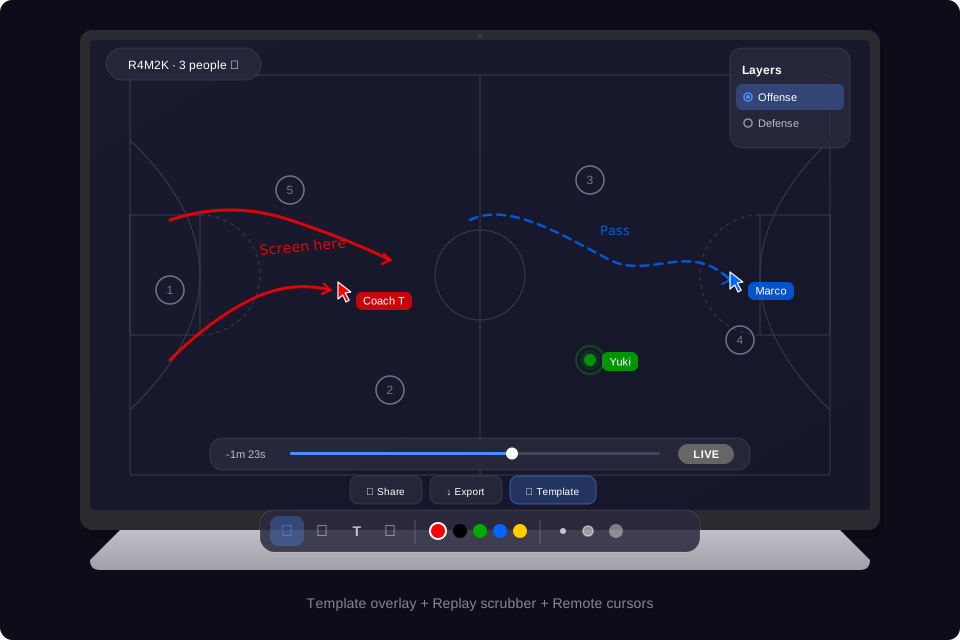
Drop a template onto any layer: grid, dot grid, basketball court, soccer pitch, baseball field, mobile and desktop wireframes, a music staff, storyboard frames, or lined paper. Ten in all — each applied per layer.
Scrub backward through the annotation timeline mid-session to see how a drawing came together — while everyone else keeps drawing live.
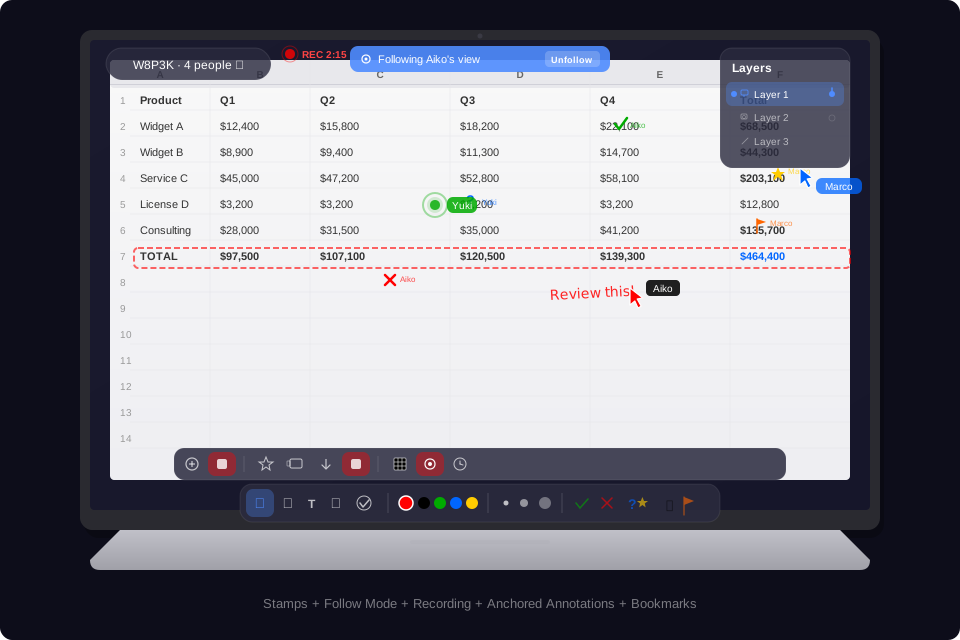
One tap captures the current view as a timestamped image. Browse your bookmarks in a gallery, open them full-size, and export.
The presenter flips “Follow me” and every viewer lands on the same layer automatically. Anyone can unfollow to explore, then jump back.
Record the whole session and export it as an MP4 — with every stroke, stamp, and note rendered over the shared screen.
Lock notes to the content, not the canvas: keep them fixed, track them as the view scrolls, or pin them to a printed QR marker on a real document or whiteboard. QR anchors and their drawings persist locally across sessions.
Re-share a window you’ve annotated before and SynQ Pad recognises it, then offers back the previous session’s strokes, text, and template overlay. The notes follow the content, not the frame.
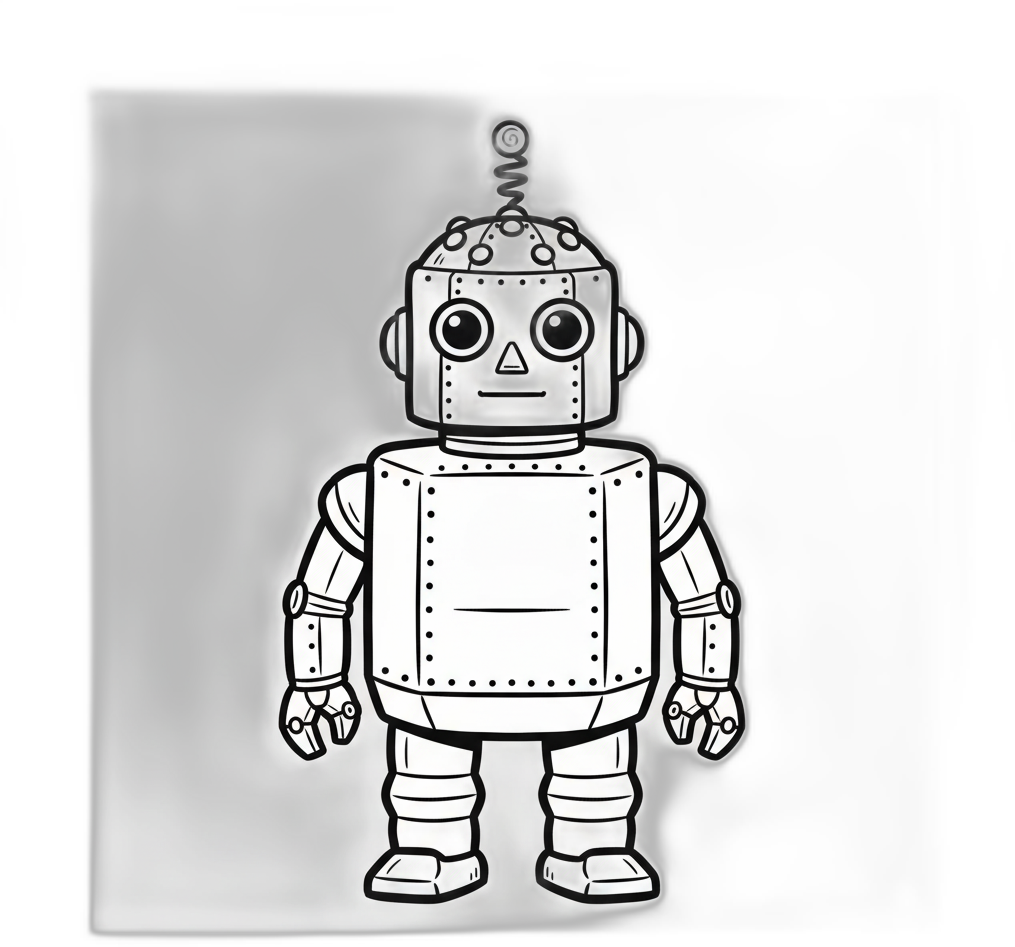
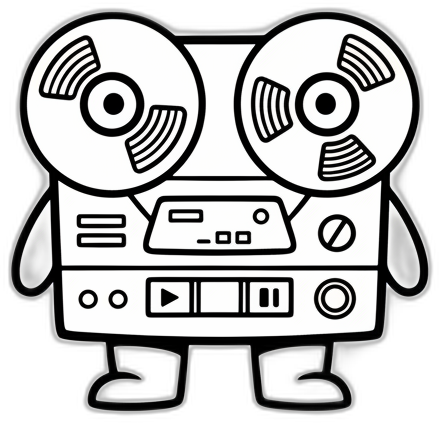
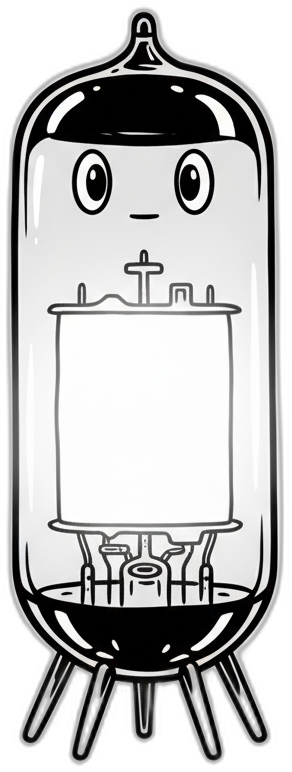
怪獣図鑑 · The roster
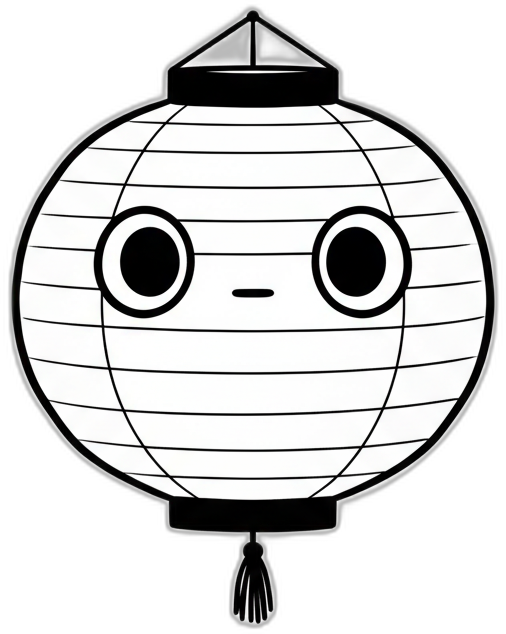
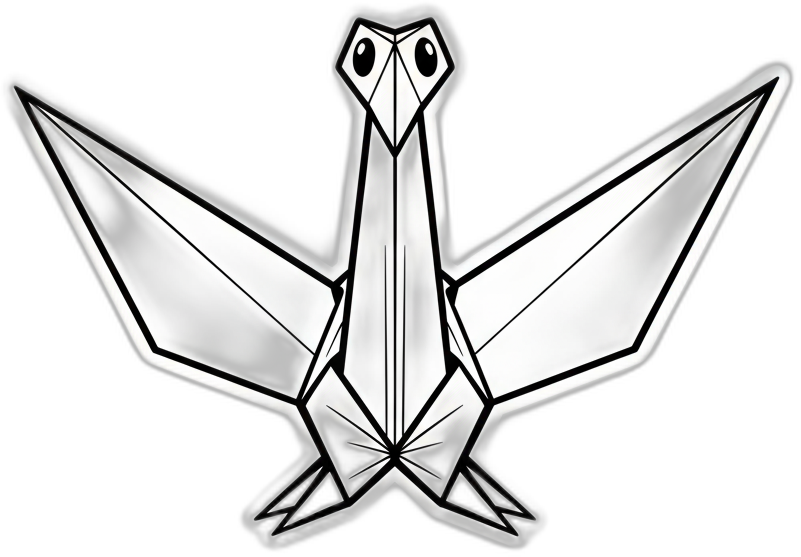
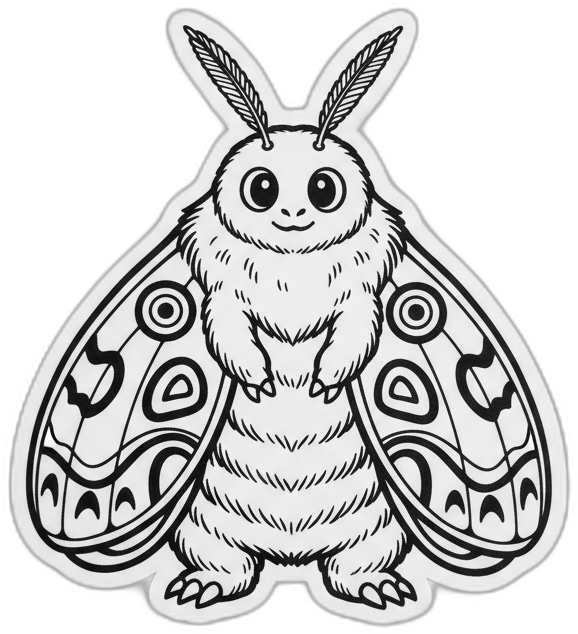
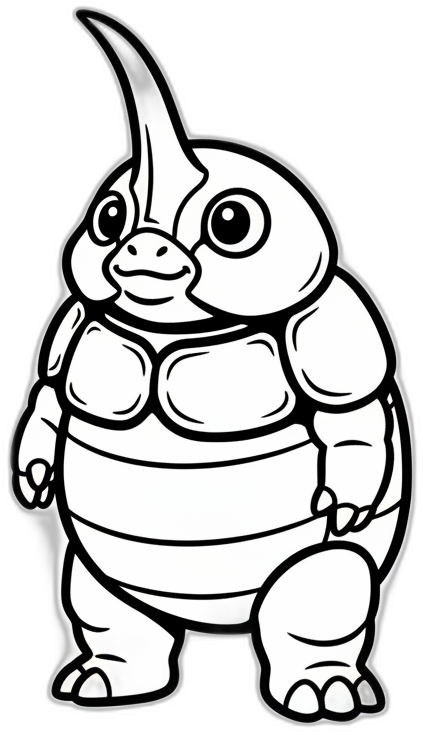
Thirty original monsters, drawn in the spirit of 1960s black-and-white tokusatsu — only friendlier. You're handed one when you join; five colour tints give a hundred and fifty ways to show up. No accounts, no photos, no awkward video tiles — just your monster on the canvas.











Private by design
SynQ Pad is delivered privately to LV3's consulting clients — never through an app store — and it connects devices over an encrypted private network. Hover a card to see how each part stays private.
Sessions connect devices over an encrypted private network. Screen frames and strokes reach only the participants in that session.
Delivered privately to consulting clients as a dedicated appliance plus companion apps. There's no public download and no public sign-up to attack.
Each shared window or camera is captured on the sharer's own machine and streamed only to the people in that session — nowhere else.
When SynQ Pad remembers a window to re-anchor your notes, it matches it by app and title locally. Those window titles never leave the host machine.
Nobody registers. You type a display name and join with a short room code that works only for that session, then expires when it ends.
For shared rooms, LV3 can deliver SynQ Pad as a dedicated appliance that boots straight into the app and can't be exited — with a servicing PIN reserved for admins.
How a session starts
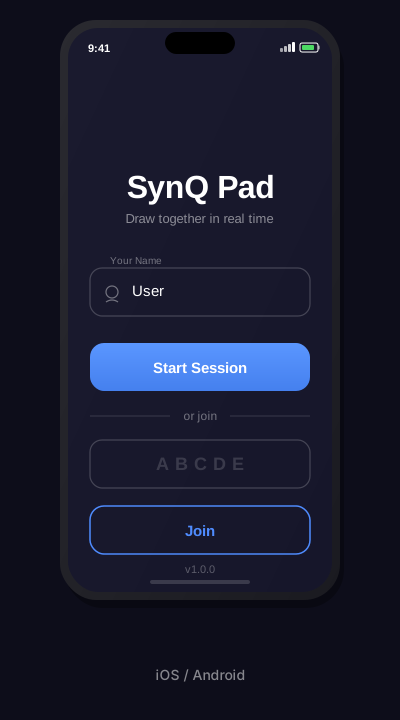
The host opens SynQ Pad and starts a session — a five-character room code appears.
Everyone enters the code and joins — and is handed their kaiju.
Share a screen or camera, pick a template if you like, and draw together.
Delivered privately to LV3's consulting clients — typically as a dedicated appliance plus a companion desktop app. Not sold on the app stores.
Tell us about your setup and we'll take it from there.